
Club recordsEvery member, with a complete profile.
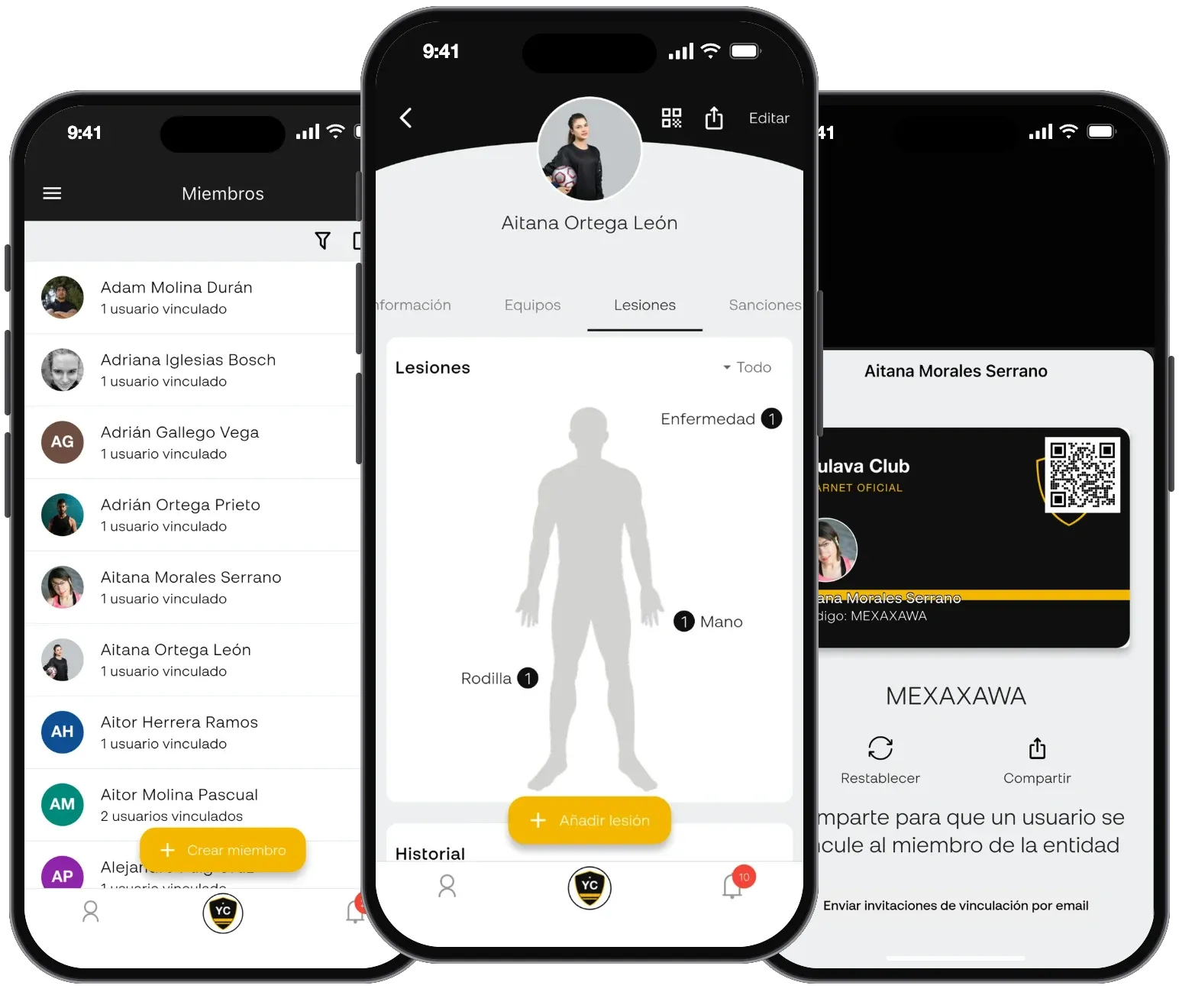
A single profile for each member or player with the fields your club needs, linked to their family's account. With injury history on a body map, sanctions, statistics, payments and paperwork. Goodbye to the members spreadsheet and paper folders.
- App
- Web panel
What's included
Club records, in detail.
Custom profiles, families, injuries and sanctions. All from the app for iOS and Android, or in your browser.
- 01
Custom fields
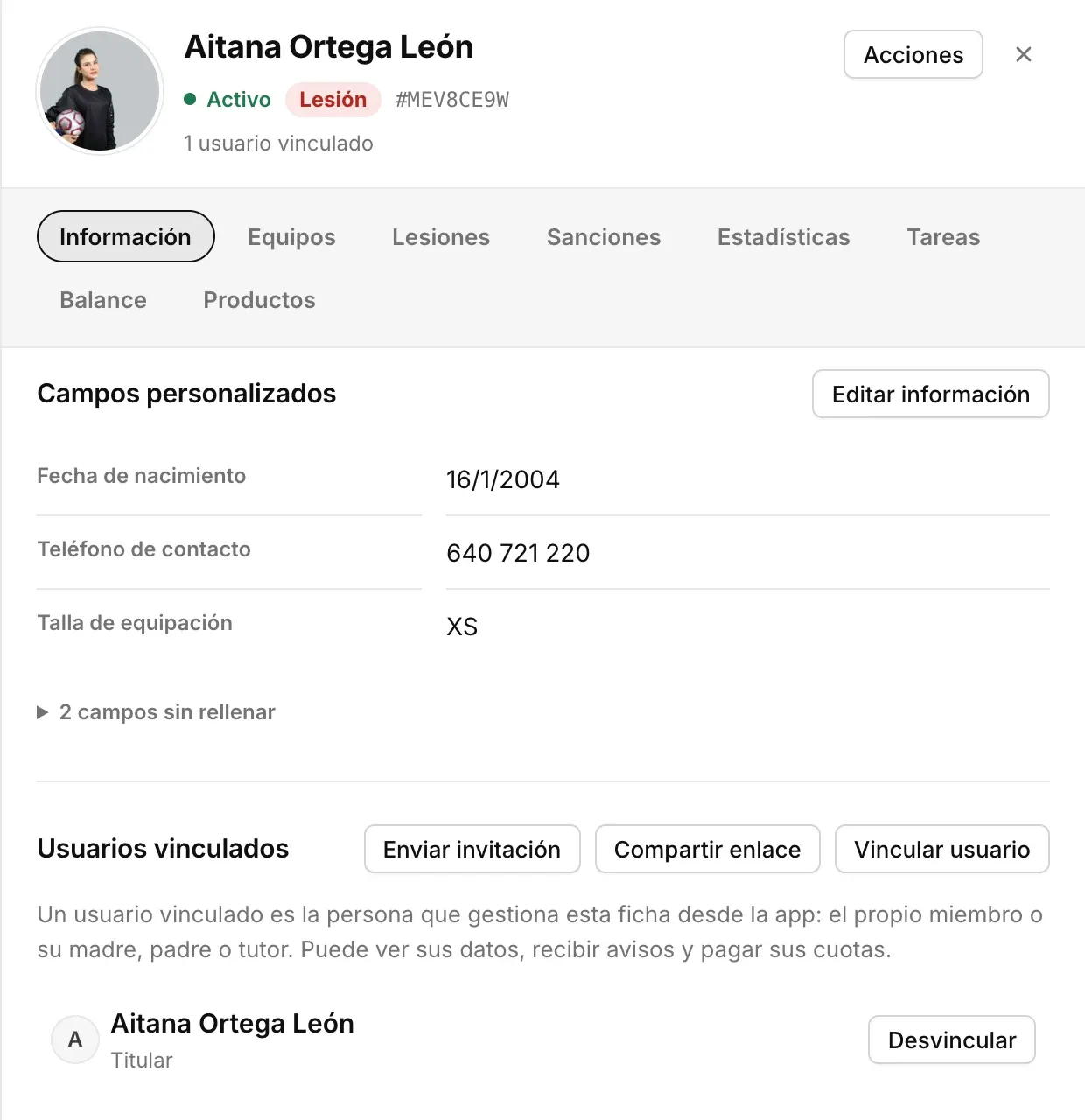
Kit size, allergies, image consent… You decide what is asked for, what is private and what families can edit themselves.
- 02
Import your members spreadsheet
Upload the CSV you already have, match each column and within minutes the club is in. You can export it too whenever you need.
- 03
Linked families
Mums, dads or guardians link to their children's profiles with a code or QR code and receive everything that concerns them.
- 04
Injuries and sanctions
Injuries on a body map, with severity and dates, and sanctions with their matches. The coach sees them when picking the call-up.
- 05
Complete profile
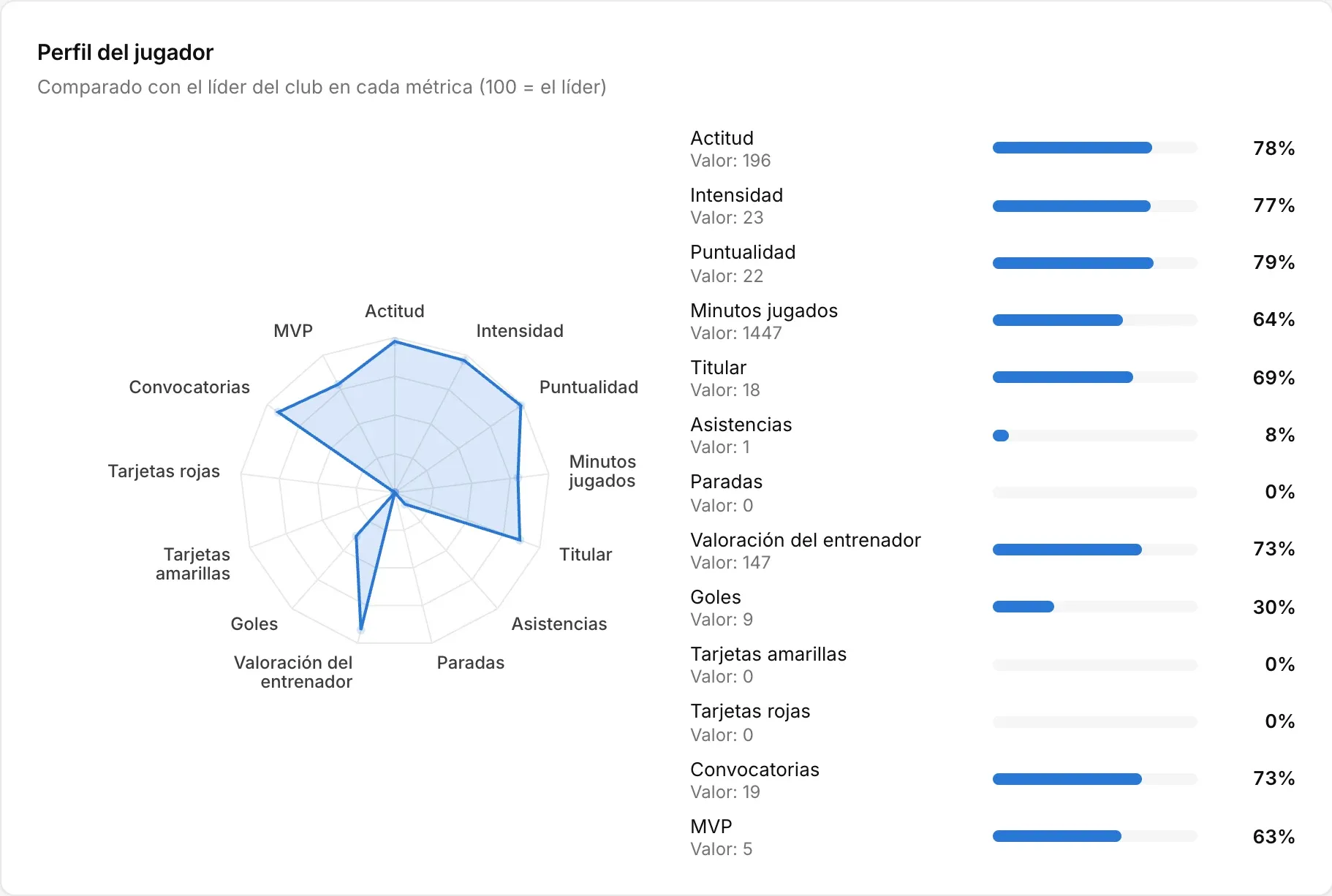
Each person's teams, statistics, attendance, payments and paperwork on a single screen.
- 06
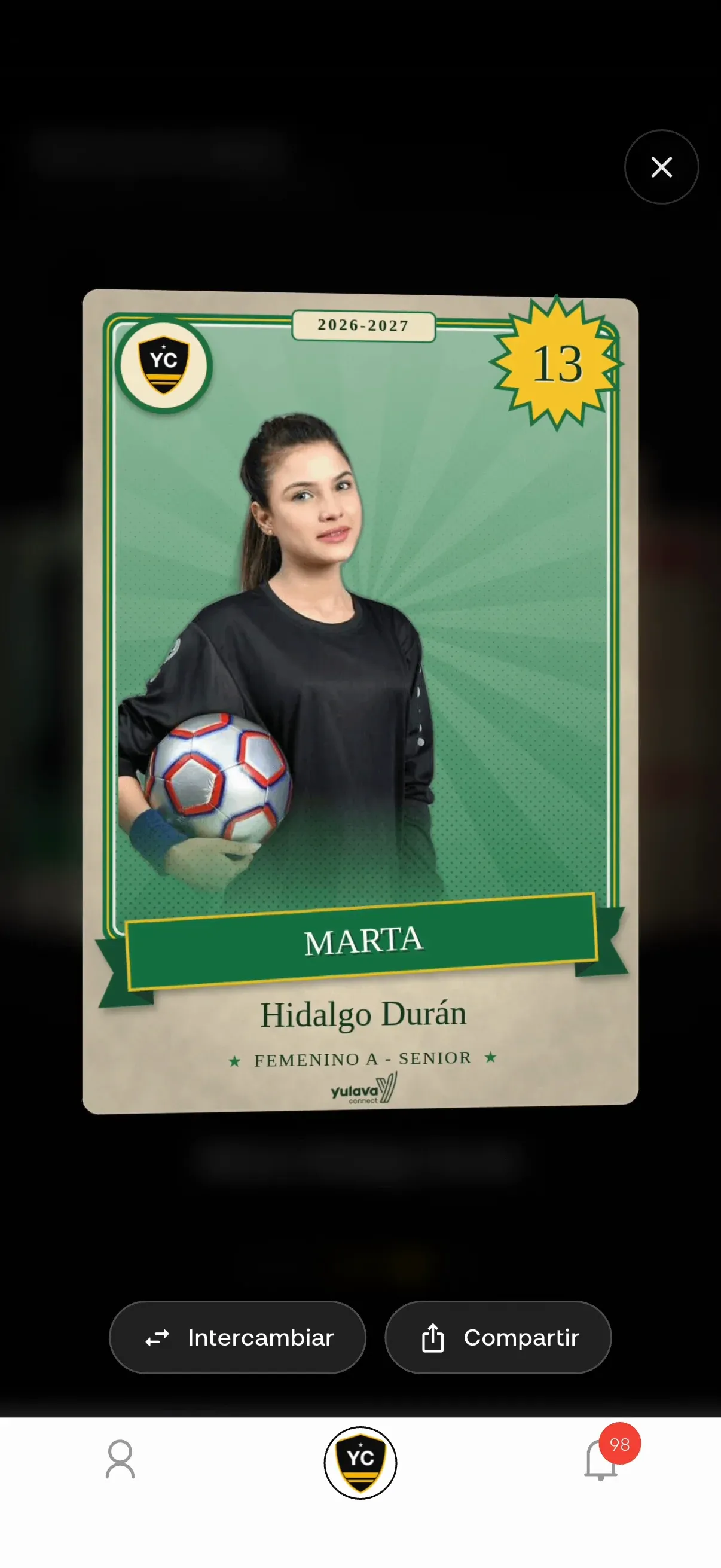
Digital membership card
Every card has its own code and QR code, which families also use to link to the profile.
- 07
Access control
At the match entrance the QR code is scanned with a phone and a record is kept of who has come in, with capacity in view.
- 08
Admin panel
As well as the app, the committee has a web panel at admin.yulava.com for office work: adding members in bulk, reviewing payments, preparing the season or setting up the website. A wizard guides you through getting started and a control centre shows you what's left to set up.
- 09
Roles and permissions
Create your club's roles and decide what each one can view, create, edit or delete in every section, with special permissions within each team.
- 10
Sign-up by link
Club-branded links and QR codes to join, create a profile, link a family or start a registration process, so every family can sign up from their phone.
- 11
Children's privacy
You can show just the initials of surnames, and a record is kept of the legal texts each user accepts.
Admin panel
Club records, from the computer too.
The board and coordinators manage it from the web panel, with the same data that coaches and families see in the app.
Real screenshots of the panel, using a demo club.
Works even better with
One club, all its data.
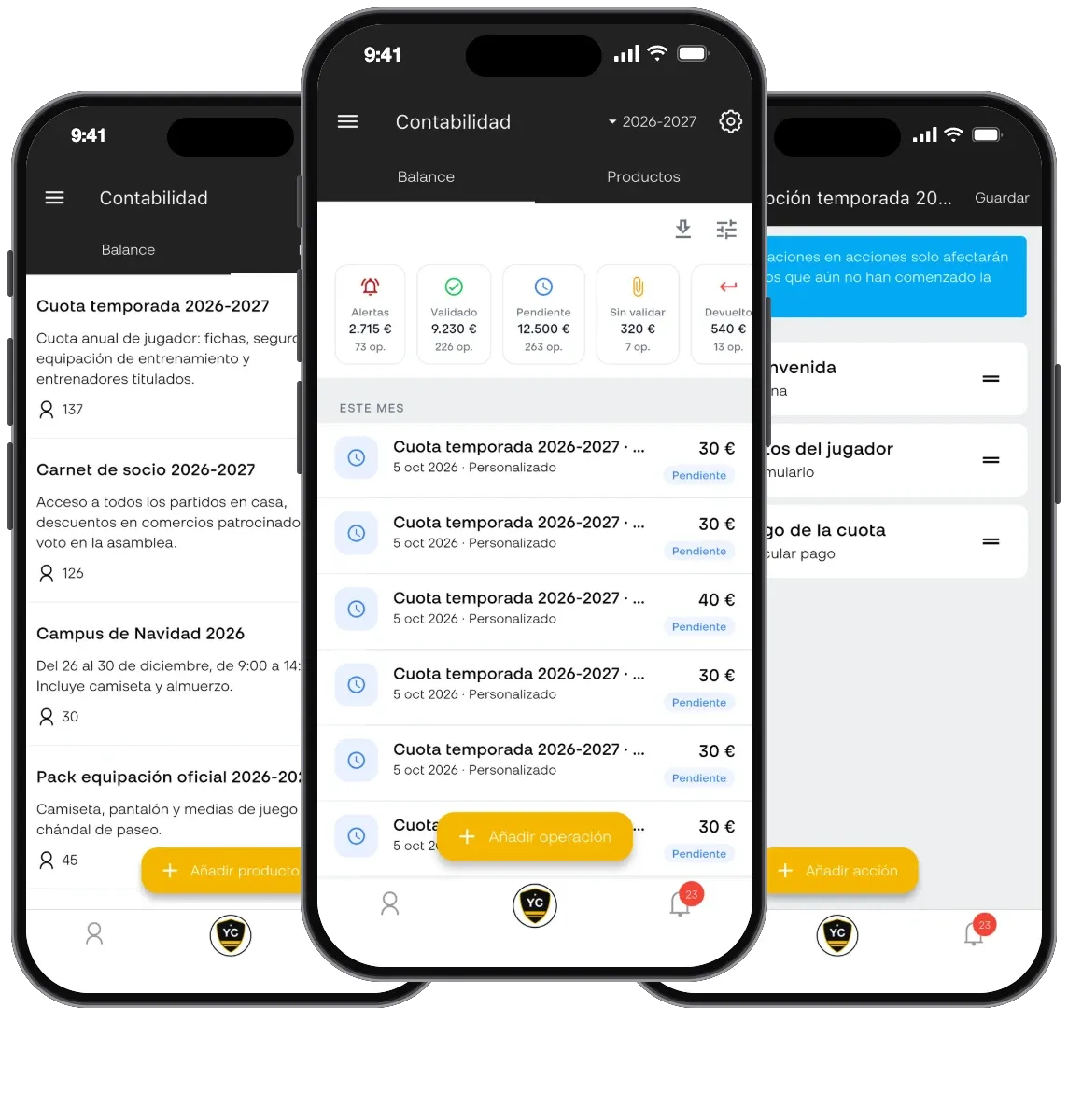
Registration and paperwork
Step-by-step sign-ups, with signature and payment.
Explore Registration and paperwork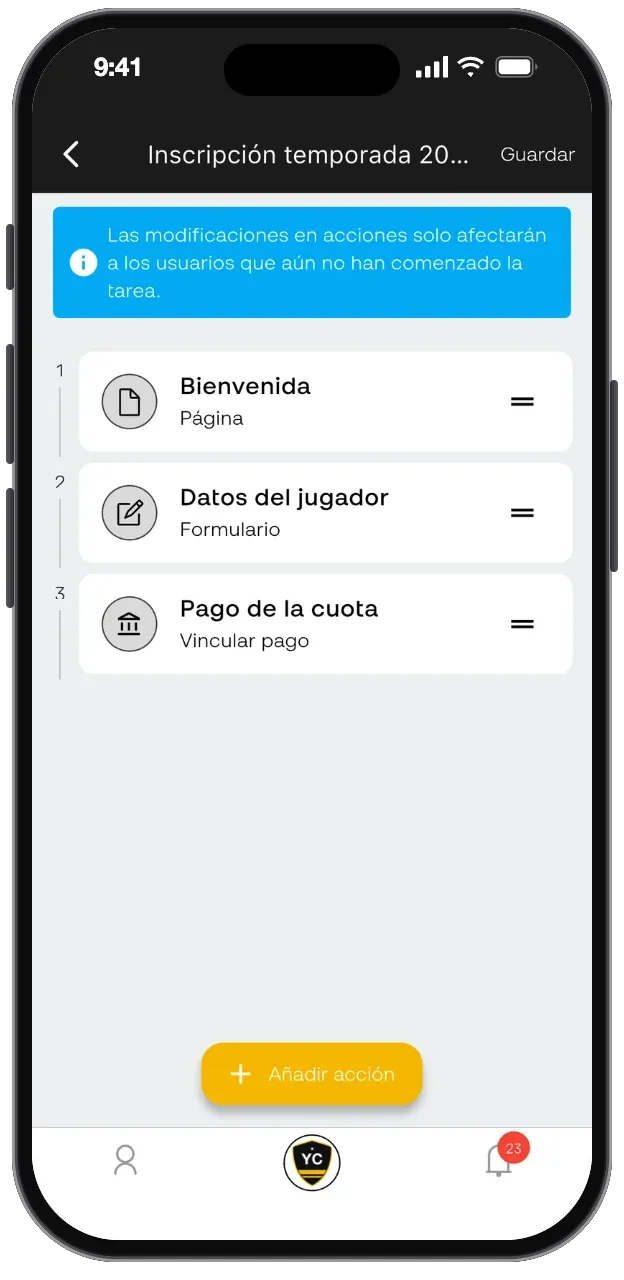
Can I bring over the members I already have in Excel?
Yes. They are imported from a CSV by matching each column to its field, and you can export them the same way later.
How does a family link to their child's profile?
With the code or QR code on the profile, or with a link the club sends them. One account can be linked to several children.
Try club records
free for 30 days.
With the full Premium plan included. No card needed and no commitment.
- 30 days free
- No card needed
- No commitment